Loading...
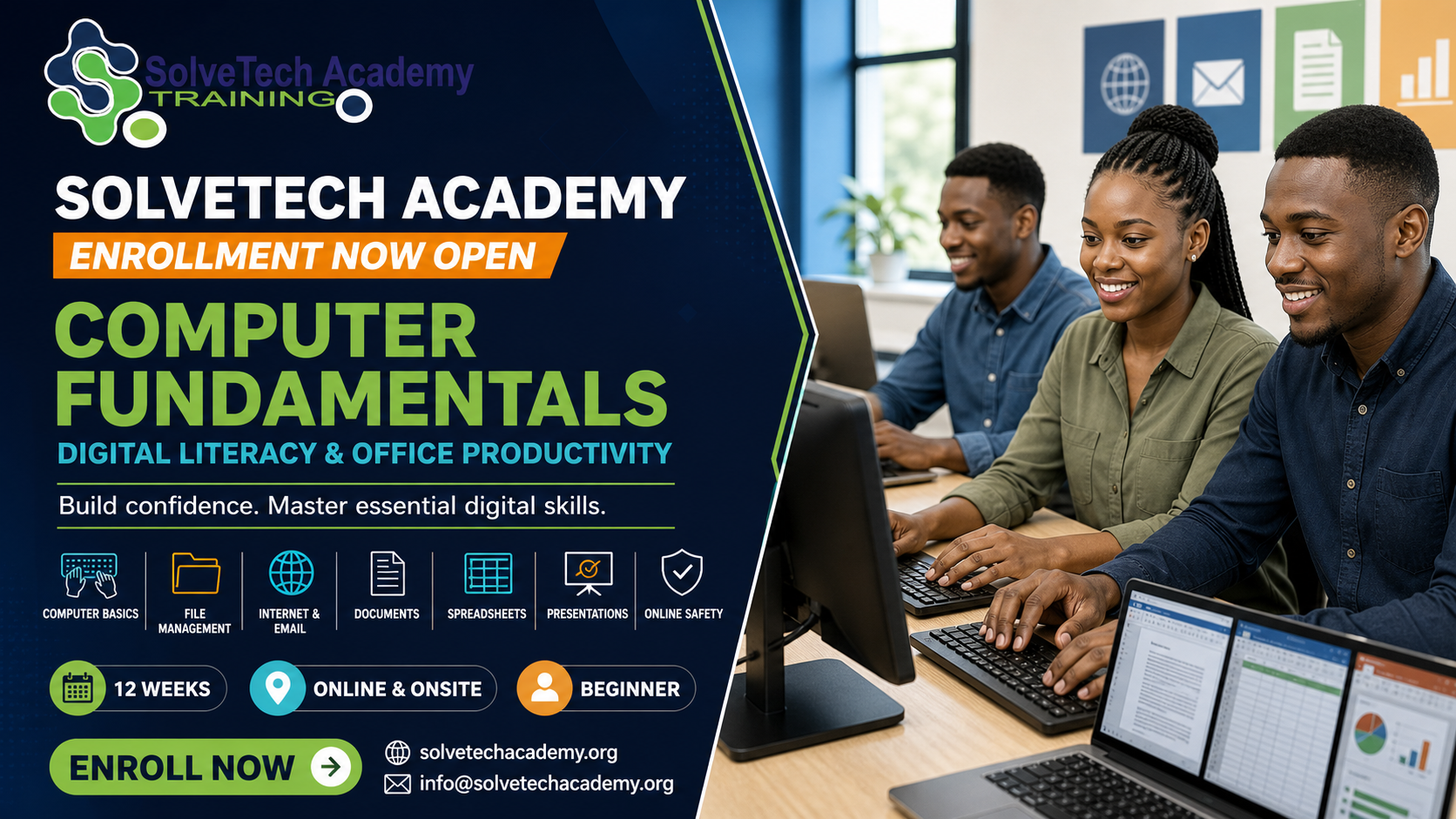
Computer Fundamentals, Digital Literacy & Office Productivity

Computer Fundamentals, Digital Literacy & Office Productivity

Category: Computer Fundamentals / Digital Skills

Instructor: Engr. Nkam Valery

Duration: 12 weeks

Level: Beginner

Mode: Online

Price: $140.00

Enroll Now

About This Course

The Computer Fundamentals, Digital Literacy & Office Productivity course provides beginners with the practical skills required to use computers confidently, safely and effectively.
Learners begin by understanding computer hardware, software, operating systems, peripheral devices and common technology terminology. They will practise starting and shutting down computers correctly, navigating the operating system, managing files and folders, installing approved applications and adjusting basic system settings.
The course introduces word processing, spreadsheets and presentation software. Students will create and format professional documents, organize and calculate spreadsheet data, develop presentations and work with PDF files. They will also learn internet browsing, online research, email communication, video conferencing and cloud-based collaboration.
Additional topics include password security, phishing awareness, malware prevention, data privacy, backups, basic troubleshooting and responsible use of digital technology.
Practical exercises and assessments help learners apply these skills to real situations such as preparing a CV, writing formal correspondence, creating a personal budget, delivering a presentation and sharing files online.

What You'll Learn

  • Upon successful completion, learners will be able to:
  • - Identify common computer hardware and peripheral devices.
  • - Explain the differences between hardware, software and operating systems.
  • - Start, operate and shut down a computer correctly.
  • - Navigate Windows or another desktop operating system.
  • - Create, rename, organize, copy, move and delete files and folders.
  • - Use external storage devices safely.
  • - Install and manage approved applications.
  • - Create and format professional documents.
  • - Prepare letters, reports, CVs and simple business documents.
  • - Enter, organize and format spreadsheet data.
  • - Use basic spreadsheet formulas and functions.
  • - Create charts and simple financial worksheets.
  • - Design and deliver professional presentations.
  • - Browse the internet and evaluate online information.
  • - Create and manage professional email communications.
  • - Participate in online meetings and collaborative activities.
  • - Use cloud storage to upload, organize and share files.
  • - Convert, combine and manage PDF documents.
  • - Apply password, privacy and cybersecurity best practices.
  • - Identify phishing, scams, malware and unsafe websites.
  • - Perform basic computer troubleshooting and maintenance.

Career Opportunities

  • This foundational course can support entry into roles such as:
  • - Office Assistant
  • - Administrative Assistant
  • - Data Entry Clerk
  • - Receptionist
  • - Customer Service Assistant
  • - Records Assistant
  • - Computer Lab Assistant
  • - Sales Support Assistant
  • - Junior Digital Support Assistant
  • - Front Desk Officer
  • - Virtual Assistant
  • - Small-Business Office Assistant
  • It also prepares learners for more advanced courses in software development, data science, digital marketing, cybersecurity, cloud computing and project management.

Prerequisites

  • - No previous computer experience is required.
  • - Basic reading and writing ability
  • - Willingness to practise regularly
  • - Access to a computer is recommended.
  • - Internet access is required for online learners.

Who Should Take This Course?

  • This course is suitable for:
  • - Complete computer beginners
  • - Students and recent school graduates
  • - Job seekers
  • - Office and administrative workers
  • - Entrepreneurs and small-business owners
  • - Professionals improving their digital skills
  • - Adults returning to education
  • - Individuals preparing for advanced technology courses
  • - Anyone who wants to use computers confidently

Certificate Information

Learners who complete the required lessons, practical exercises, assignments, quizzes and final assessment will receive a:
Certificate of Completion in Computer Fundamentals, Digital Literacy & Office Productivity

Course Preview

Curriculum preview

1. Computer Hardware and Operating Systems2 lessons
2. Files, Applications and Digital Productivity2 lessons
3. Internet, Email and Online Collaboration2 lessons
4. Data, Privacy and Cyber Safety2 lessons
5. Troubleshooting and Digital Workplace Skills2 lessons

Delivery & certification

Format: Self-Paced

Instructor: Engr. Nkam Valery

Level: Beginner

Certificate: Learners who complete the required lessons, practical exercises, assignments, quizzes and final assessment will receive a: Certificate of Completion in Computer Fundamentals, Digital Literacy & Office Productivity

Related courses

No related courses are currently published.